See it in action.
A screen-by-screen walkthrough of Moneymanager. No signup required — just scroll.
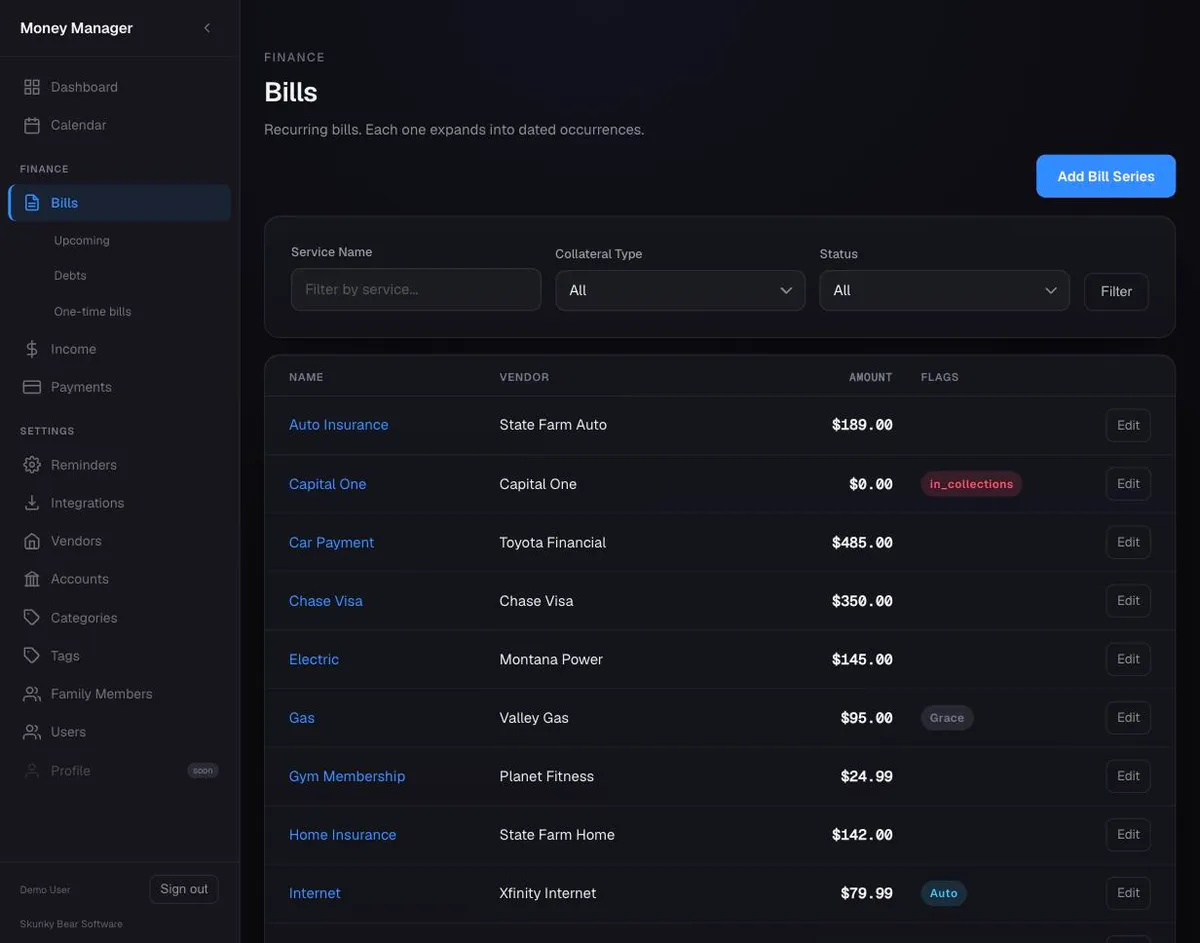
Recurring bills that track themselves
Create a bill once with its recurrence rule, and the scheduler generates occurrences three months out. Status advances automatically.
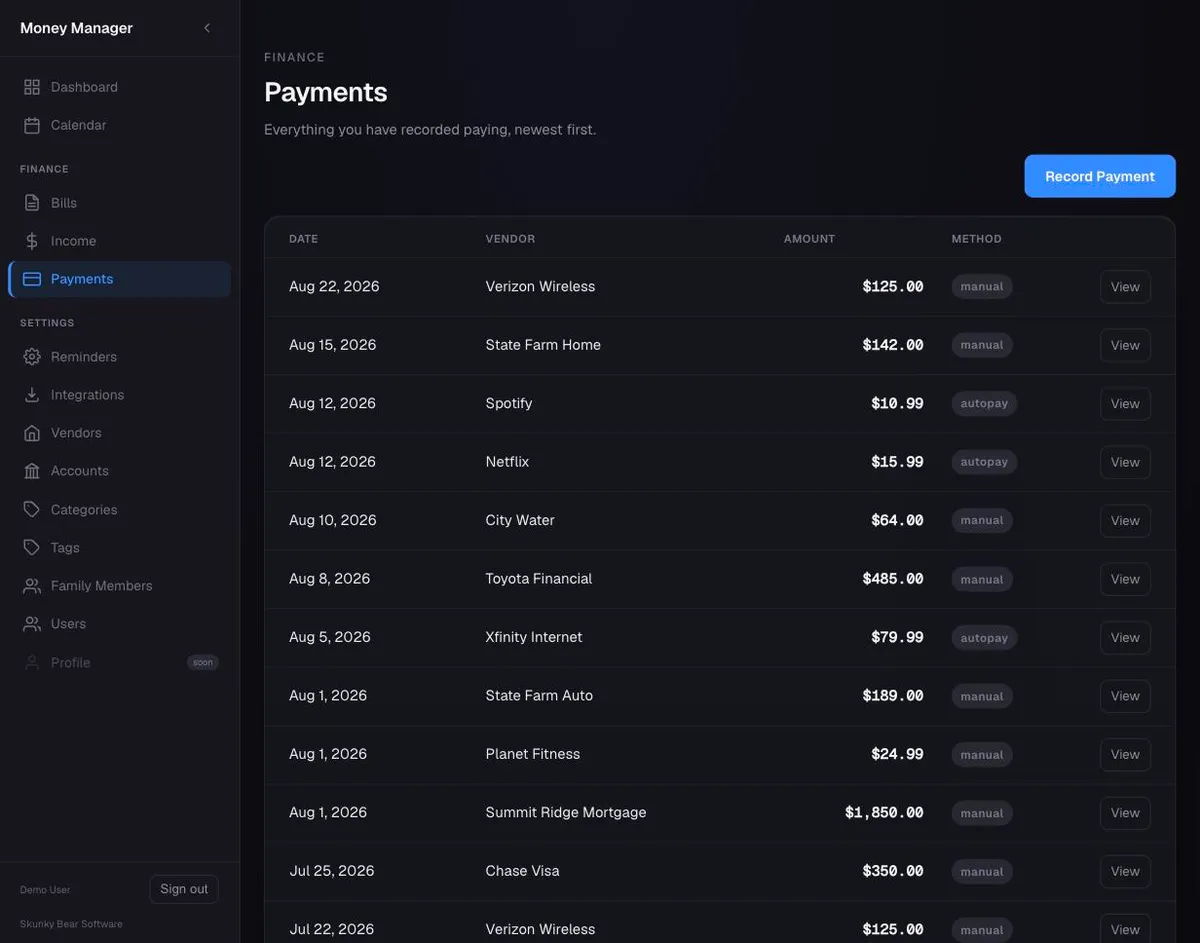
Payments and receipts in one place
Apply a payment to any bill, attach a receipt, and the balance recalculates. Edit after the fact — no delete-and-redo.
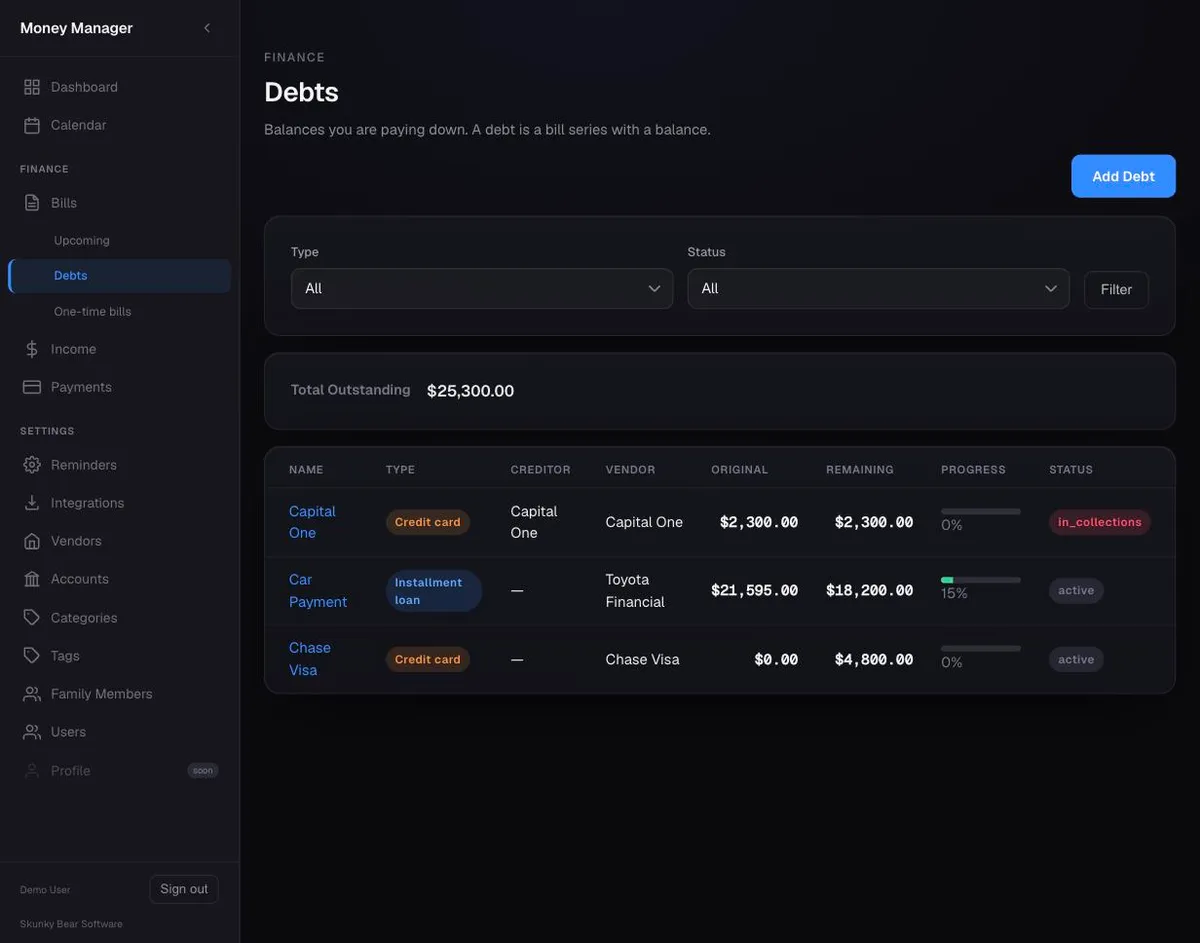
Debt tracking with a running balance
Credit cards, loans, medical bills — each gets a running balance. One view shows what you owe and how it's moving.
Income sources and accounts
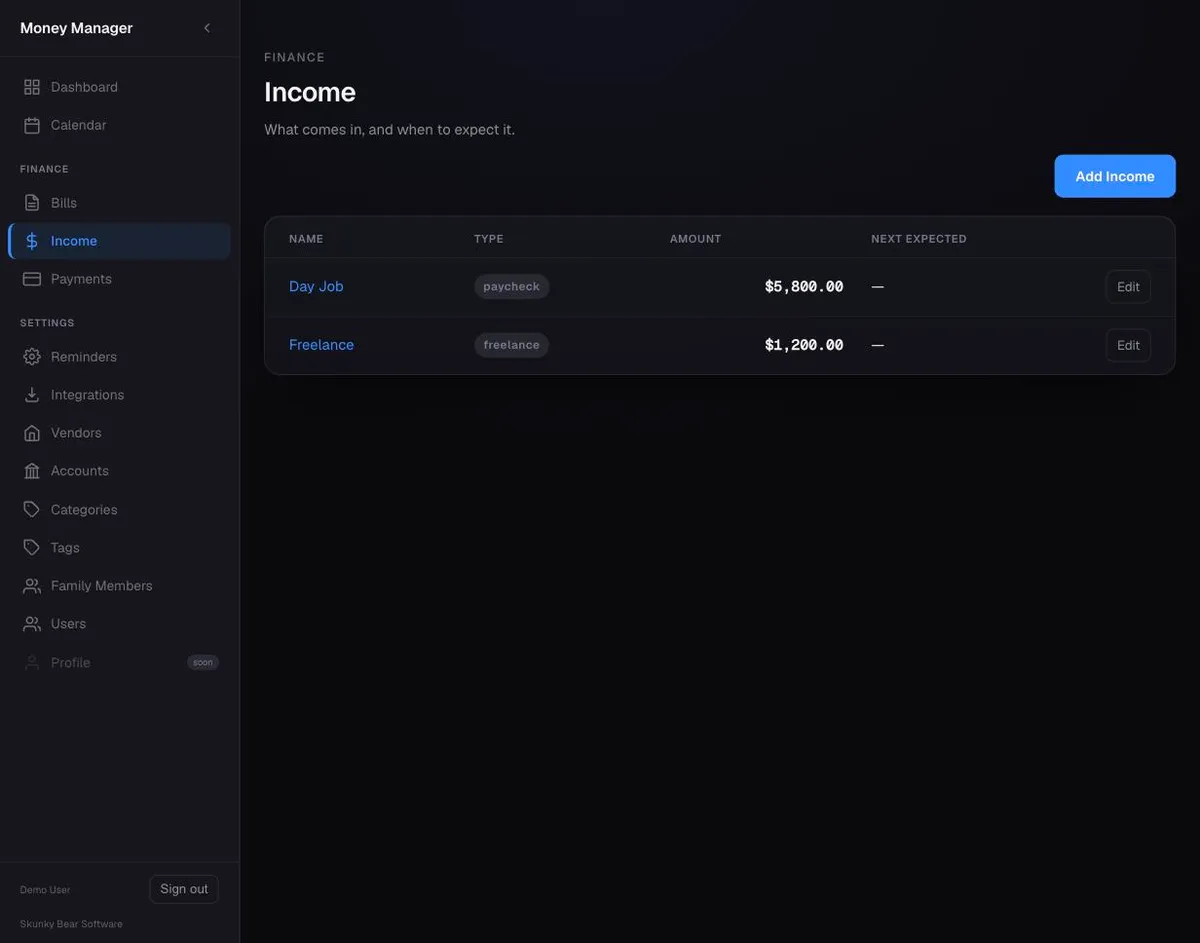
Track where money comes from, not just where it goes. Income sources have their own recurrence and generated occurrences.
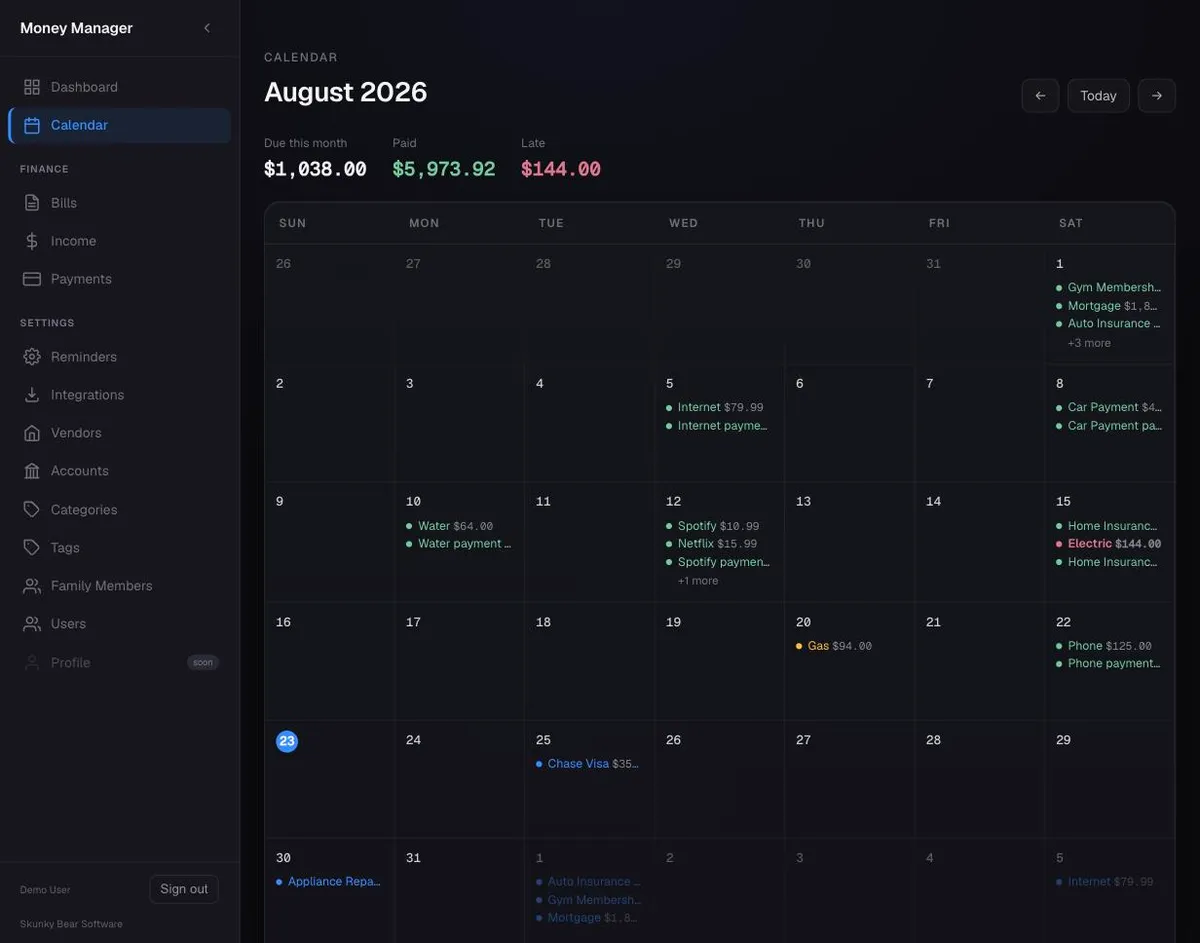
A calendar that shows what's due
Month grid with a day-detail panel, color-coded by occurrence status. See what's upcoming, due today, and overdue.
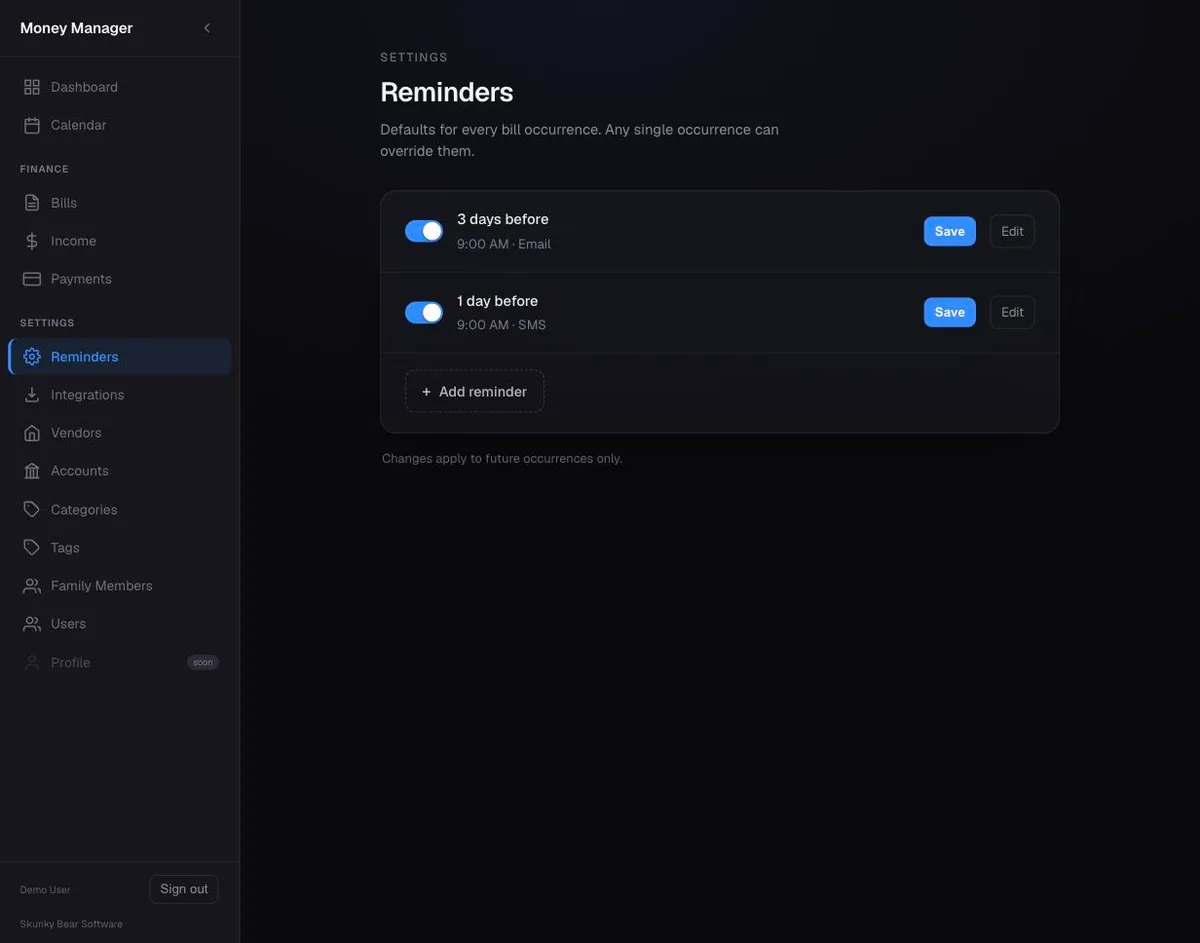
Reminders that reach you where you are
System-wide defaults for timing and channels, plus per-occurrence overrides. Failed sends retry up to three times.